5 Awesome Android Features that iOS needs to adopt
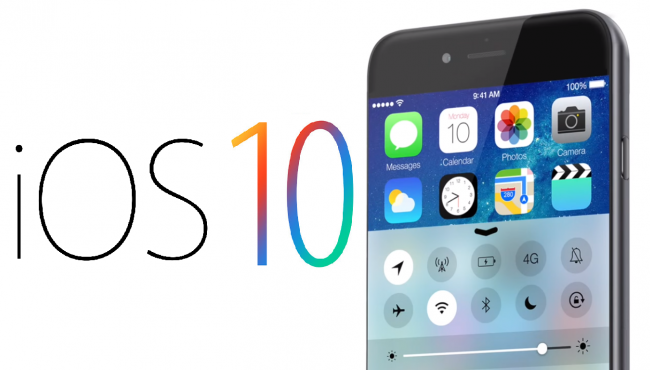
When iOS 10 launched, plenty of people expected Apple to take some cues from Android’s Nougat update, which had come out a bit earlier. That never really happened, and honestly, Apple’s update left a lot of users disappointed. I wouldn’t call myself a huge Android fan, but even I have to admit their latest update genuinely impressed people. In this article, we’re looking at a few standout Android features that Apple really needs to consider adopting if it wants to keep pace with an Android world that just keeps growing.
Auto battery-saver mode
Android’s battery saver feature has quietly become one of its best tools over the years. You’ll find it under Settings, then Battery, then Battery saver. Once turned on, it cuts back a good chunk of background app activity, stops automatic email fetching, lowers screen resolution, and trims other things that tend to drain your battery fast. It’s genuinely one of the best options out there for stretching battery life when your phone is close to dying.
Apple wisely followed Android’s lead here with its own low power mode, first introduced in iOS 9. The problem is, this version is missing the most important piece, an automatic trigger that kicks in once your battery drops below a certain point.
On Android devices, this feature switches on by itself once battery power hits 15 percent and again at 5 percent. On iOS, you have to turn it on manually, though at least the phone gives you a prompt once your battery dips below 20 percent.
So the real question is, why doesn’t iOS offer a true automatic battery saver setting the way Android does?
Installing Apps Straight from the Web
Browsing the App Store honestly works best on an iOS device itself rather than through a web browser, and that’s a bit of a letdown. Google Play, on the other hand, works smoothly on a desktop browser, and the best part is you can install apps remotely straight from the web. It’s genuinely convenient.
With iOS, the closest you can get is adding an app to your iCloud library, then searching for it later and installing it manually, which feels like more of a hassle than a convenience.
A Smarter Do Not Disturb Feature
Do Not Disturb mode was a welcome addition when it first showed up in iOS 6, and it’s easy enough to turn on with a quick swipe up and a tap. The downside is you have to remember to turn it off manually too, and it’s easy to forget once it’s been enabled.
Android, meanwhile, offers several different quiet period options through its Do Not Disturb mode, including a handy setting for anyone who just wants a short burst of quiet time without committing to anything longer.
Clearing Cache Data with Less Hassle
The apps we use every single day tend to quietly eat up storage through caching, and it adds up fast. Social apps especially can rack up several gigabytes of cached storage before you even notice.
For Android users, clearing that cached data is simple. Just head to Settings, then Storage, then Cached data, and it’s gone in seconds. iOS users don’t have it quite as easy though, since there’s no single option to clear all caches at once. If you want to remove cached data for a specific app, you’ll need to either clear it individually or delete and reinstall the app entirely.
A Real Way to Clear All Open App Windows
There’s something satisfying about closing out a bunch of open app windows at once. iOS does a decent job of reclaiming memory on its own, but it would still be nice to have a way to clear everything out manually. Heavy multitaskers especially can end up with a long list of open app windows that need closing just to free up space. Android addressed this in its Nougat update with a simple Clear all button. One tap at the top of the multitasking screen, and every open app window disappears instantly.